Why Column Restrictions in Internal Tools Belong in the Tool Layer Not the Database Schema
Put column restrictions where job functions live, not where data sleeps.
Least-privilege access control for internal database tools belongs in the tool layer when the rules depend on a person’s job and workflow. Non-technical users should connect through the tool without having direct database credentials, and their application roles should set which columns they can access. Database-layer controls enforce restrictions that must hold no matter which access path someone uses.
Why column restrictions in internal tools are a different problem than column restrictions in a database
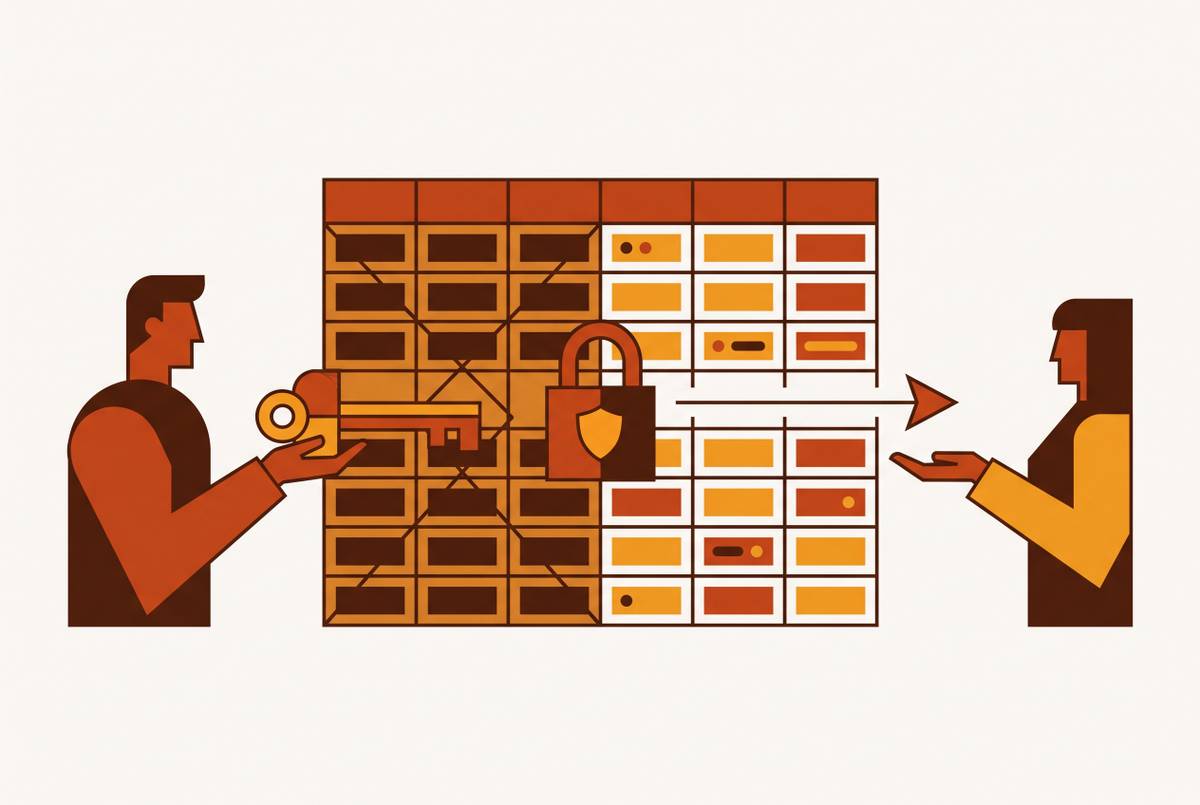
A support agent, a sales rep, and a finance analyst open the same internal admin panel to work with the same table. Each needs a different view of the same row. The table is shared, but their responsibilities are not. Giving them identical column access because they use the same interface confuses a shared entrance with permission to enter every room.
That practical distinction separates two questions that share a name. Database-layer column controls ask which database principals may read a field, no matter how they connect. Tool-layer column controls ask which job functions should see that field in this interface. Both questions deserve an answer, but answering the first does not automatically answer the second.
How "access debt" accumulates when column restrictions are left to the schema
More data usually becomes visible without anyone choosing to make it so. A table built for one team becomes useful to another, and then another department joins the queue. Support staff end up seeing salary fields, while reporting users can see financial records they were never meant to access. Each extension looks like a small convenience. Together, they accumulate “access debt,” the gap between the access people have and the access their work requires.
This debt is more than untidy housekeeping. GDPR’s data minimisation principle, CCPA, and HIPAA bring real compliance pressure to limit personal data to what is necessary for a specified purpose. Unrestricted column exposure can therefore become an active compliance liability. The important word is purpose. Whether someone needs a field depends on what they are doing.
The instinctive engineering response is to restrict the schema. That feels sensible because the database contains the sensitive information, and protecting something where it lives has an appealing solidity. Yet the location of the data does not determine the best location for every rule about it. Here, the missing distinction is between job functions. Moving that distinction into database permissions creates a translation problem before it creates a solution.
Why the schema cannot represent job function cleanly
A database principal is an account or role registered in the engine, against which the engine can enforce privileges. A support agent who logs in through an admin panel has an application identity and works within a workflow. Those identities can be connected, but they are not naturally the same thing.
Column-level GRANTs and views operate on the database side of the gap. PostgreSQL’s column-level GRANTs are declarative, but they still bind to database users or roles rather than the application session’s concept of a support agent. The engine can enforce the permissions it receives. It cannot infer the business meaning that the application has not supplied. A database role named after a department does not, by its name alone, explain what someone should see in a particular workflow.
Context makes the mismatch sharper. The same person may come through the support queue, a billing workflow, or a direct connection, and the internal tool’s visibility rules depend on which route they take. A schema rule is therefore a structural approximation of the application rule unless that context is translated into database controls. Views also take more work to maintain because each access pattern needs its own definition. Users with direct table-level privileges can also bypass them, while column-level GRANTs enforce rules more strongly at the privilege layer but still need that context.
Why CDC replication to solve column visibility is the worst version of the wrong approach
When schema controls get hard to work with, copying the data can look like a way out. A team uses a data replication mechanism to build a stripped-down copy, then directs a user group to that copy. The unwanted columns are gone, so the team seems to have solved what users can see. But that mechanism is designed for data pipelines and real-time analytics. Here, it is being asked to stand guard at a door by constructing another building.
The costs follow from that mismatch. The design adds infrastructure, duplicated storage, replication lag, and synchronization failures that can introduce data gaps. There are now two systems to maintain. As restrictions and user groups multiply, a copy-per-access-pattern design turns permission changes into replication work. The copy still has no job-function context, so anyone connecting to it gets the same stripped-down set of columns.
Mafiree, a managed database consultancy, replaced a client’s planned data replication architecture with column-level GRANTs. Even a database-native fix was simpler and more reliable than the replication workaround. The comparison establishes that an access problem does not justify a data pipeline merely because the pipeline can omit fields. When the actual rule concerns roles within an internal tool, the more direct answer sits one layer higher.
How do you restrict which columns a non-technical team can see in an internal tool?
The tool already brings together the information the rule needs. It authenticates the user, knows their application role, knows the workflow, and presents the fields relevant to that context. A support agent, finance manager, and operations lead are meaningful identities there. Column access can follow that existing logic. The permission rule belongs close to the facts that determine it.
With this model, support, finance, and operations can use the same query on one database table, and each role can see a different set of columns. The tool can give those roles different fields to see without separate views, database principals, or copies. Changing which fields a role sees becomes a configuration update in the tool rather than a schema migration, view redefinition, or pipeline reconfiguration. Ownership becomes clearer, too. The team that understands the jobs maintains the rules, and when someone changes teams, their tool role assignment changes with them.
Column restrictions are still only one part of least privilege. Databricks describes row-level security as most effective within layered governance that also includes column-level security, data masking, and audit logging. Rows determine which records someone can access, while columns determine which fields within those records they can see. Neither distinction replaces the other. For internal users, the tool is the natural place to assemble that governance because it already holds the identity and session context.
The questions are whether permissions follow application roles, whether row and column controls can work together, and whether users can work without receiving full database access. Export access belongs in that assessment as well, because seeing selected fields is not the same permission as exporting everything. A hidden column is not, by itself, proof of restricted access. The claim depends on what the tool enforces across the access it provides.
The strongest objection — database-layer enforcement protects every access path, not just the tool’s
Tool-layer rules offer no protection to a query that bypasses the tool. If a database credential leaks, a new BI tool connects, or an AI agent generates an unexpected query through raw SQL access, the internal interface’s role rules do not intervene. The database engine’s column-level GRANT applies no matter how the query arrived. A policy enforced on one route cannot protect every other route by association.
Databricks describes database-layer enforcement as consistent across dashboards, notebooks, APIs, and third-party tools. The objection is strongest where non-technical users may reach data through multiple unsanctioned paths. In that environment, claiming that application permissions cover the whole problem would be wrong. The application does not control those connections.
The answer for internal tools is a threat-model distinction. Non-technical users should not hold direct database credentials at all, but should connect through the tool as their only sanctioned access path. When users connect this way, tool-layer rules cover the route they are meant to take to the data. That does not make database controls unnecessary for other routes, including service accounts and AI agents with raw SQL access. The two layers can work together as defense in depth, with the database protecting direct access and the tool governing jobs and workflows.
How overly rigid schema-layer restrictions backfire by creating shadow data
Defense in depth can work without making every decision wait in the slowest approval queue. When schema-layer governance makes routine access changes hard and slow, teams have a reason to work around it. Analysts who cannot try things out with governed datasets still have work to finish. Exported CSVs, personal storage buckets, and unsanctioned databases offer a way forward. The official system gets stricter while there is less control over where the work gets done.
Those workarounds create shadow data. Spreadsheets, local database copies, emails, and presentations can hold information outside formal IT management, where production security controls and policies typically do not apply. The governance program has then helped produce the very ungoverned copies it was meant to prevent. This is the awkward punchline of excessive rigidity. A locked door is not much comfort when routine work has moved outside the building.
The team that understands the roles can allow the fields a workflow needs while withholding those it does not, without turning every adjustment into schema work. Governed self-service analytics divides the work in the same way, with IT in charge of data integrity while business teams use standardized tools for day-to-day querying. That model keeps work inside sanctioned systems. Reintroducing long schema-layer queues can undo its practical benefit, even when the restrictions look stricter on paper.
Where the schema layer still belongs — the cases that genuinely need it
Database-layer column controls are the right choice when a restriction must hold no matter which route reaches the table. Different tools, service accounts, AI agents, and direct SQL sessions may all need access within the same boundary. No internal tool can enforce that boundary on a connection it never sees. The engine can.
For that purpose, column-level GRANTs are more robust than views. Views need a definition for each access pattern, while a GRANT works at the privilege layer for direct queries. There is an important condition, though. A broader table-level privilege for the same role would override the column restriction, so the narrow grant cannot be considered in isolation from the role’s other privileges.
The practical recommendation is a two-layer model. Database-layer controls protect a small, clearly defined set of sensitive columns whose restrictions must hold across every access path, while tool-layer rules set what people in different job functions can see in the internal interface. The “schema or tool” decision turns on whether the restriction must hold for every access path or only for users of this internal tool. That question puts each rule where it can actually do its job.