How Engineering Locks Down Column Access Before Handing Off a Database Tool to Operations
Lock down database column access before handing tools to operations.
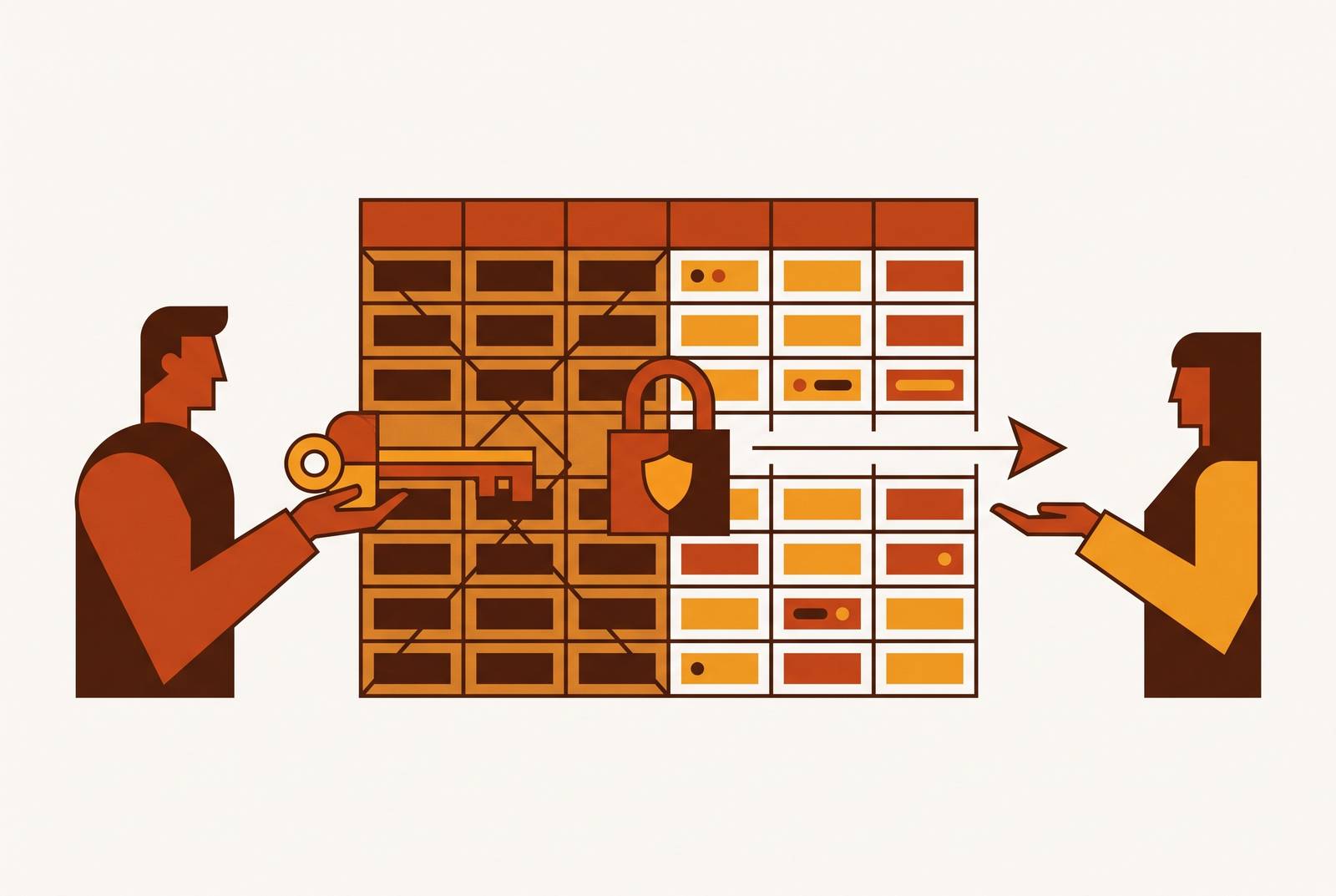
To hand a database-connected tool to operations safely, column access must be locked down before the handoff so it does not need to be fixed afterward. Engineering should first find the sensitive columns, enforce database-native permissions, set up role-specific views, and then make the tool’s access rules match those controls. Non-SQL self-service works when people can explore the data they need without gaining access to fields they should never see.
Why column access must be locked before the handoff, not after
Before handoff, a permission mistake sits with engineers who can reason about the schema. Afterward, it reaches support agents, ops leads, and account managers who should not need that knowledge to do their jobs. Repairing access then means belatedly setting boundaries for a tool people already rely on.
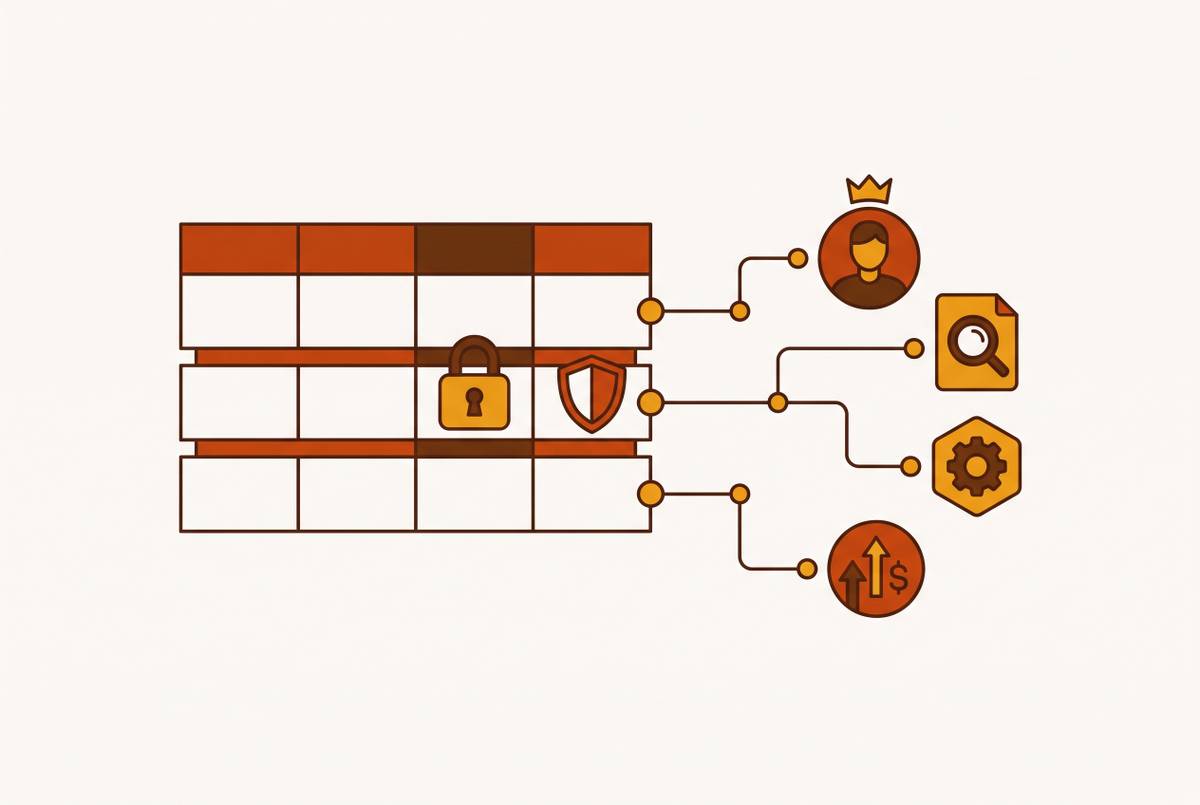
The first distinction is between records and fields. Row-level security (RLS) controls which records someone can see, while column-level security (CLS) controls which fields they can see within those records. Support might need to see customer records without payment details, just as marketing might need to see user activity without PII. Both controls matter, but CLS is commonly skipped because access to a table can look like a single decision. The second distinction is where that decision holds, since a rule enforced only inside a tool does nothing when someone takes another path to the database.
Discovering which columns actually need to be locked down
A column cannot be deliberately restricted until someone knows what it contains and who has a reason to use it. Guessing can give people too much access and lock down the wrong fields. The working sequence is to scan, build an inventory, tag the sensitive columns, and enforce the tags. A tidy schema is not evidence that the data inside it is harmless.
On GCP, Sensitive Data Protection, which includes Cloud DLP, illustrates this workflow. It generates continuously updated data profiles across tables and columns, scoring them by sensitivity. Its inspection mode deeply scans one resource for specific infoTypes, including SSN, email, and credit-card number, and reports the location and count of matches. That matters for unstructured text, where PII may appear intermittently without a revealing column name. The column profiles show engineering where to put policy tags based on what the scans found.
The specific scanning tools vary by platform, but the output should be the same kind of defensible inventory of financial identifiers, PII, health data, and other restricted fields. Discovery also needs to distinguish application service accounts from human developer accounts. Application accounts need narrow, predictable permissions, while broader human access should be temporary and audited. Mixing the two makes “what the application can see” an unclear question. Before drawing the boundary, engineering needs to know whose boundary it is.
Enforcing column restrictions at the database layer before any tool touches the data
Once the inventory exists, the first enforcement line belongs in the database. Database-native restrictions apply to the identity making a query whether it arrives through the intended application, a direct connection, or another tool. This moves the rule below the interface that operations will use.
SQL Server / Azure SQL provides Column-Level Security through GRANT and REVOKE on specific columns. Engineering grants SELECT on the columns a role is allowed to retrieve and removes access that exceeds that role’s needs. Those restrictions apply regardless of the query’s route into the database. The permission belongs to the data access.
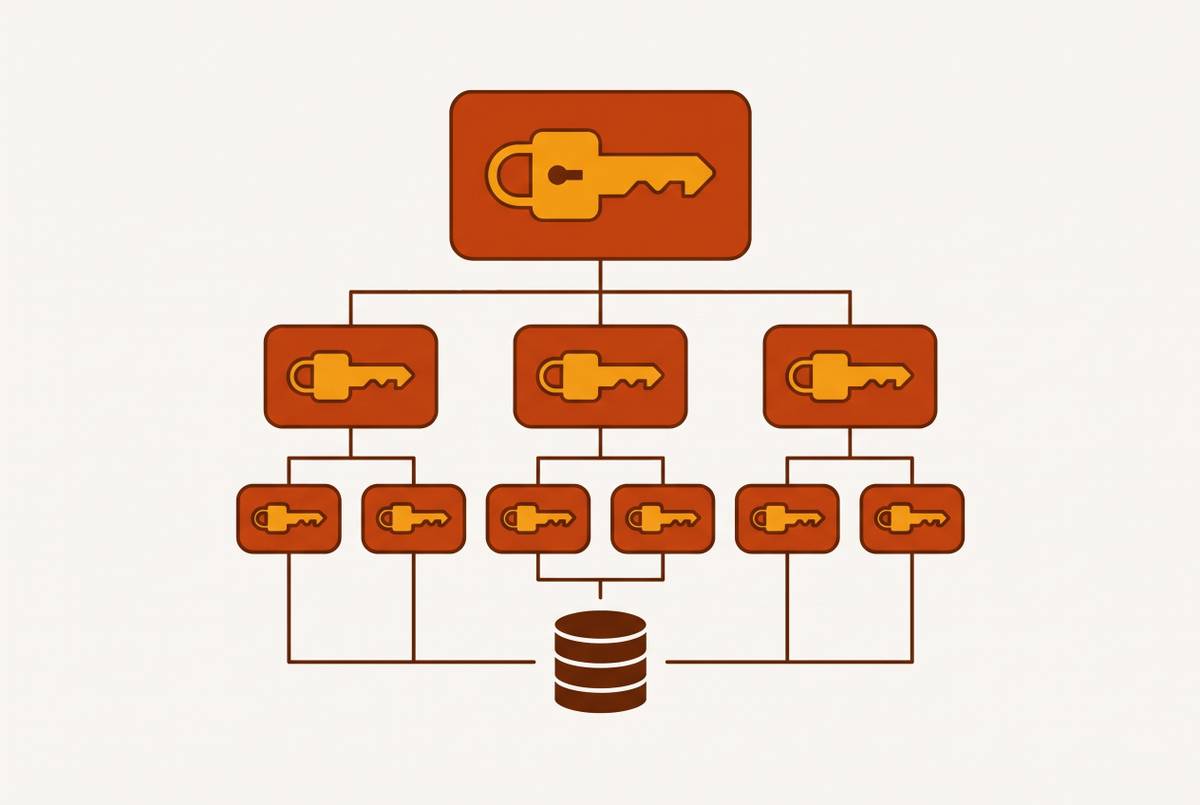
On GCP, the policy-tag workflow begins by defining a taxonomy and its tags, then assigning those tags to columns. Engineering next enforces access control on the taxonomy and manages access to the policy tags through IAM. A practical taxonomy can use PUBLIC, SENSITIVE, and PII_RESTRICTED. These categories are simple enough to administer while still distinguishing meaningful access boundaries.
PostgreSQL also supports column-level GRANT/REVOKE on individual columns. Combining those grants with row-level security policies gives engineering two axes of control inside the database engine. One governs the records, and the other governs the fields.
A direct warehouse query never passes through the tool’s permission checks, and an AI agent using a shared service account reaches the database as that account. Database rules still apply, but they apply to the identity presented. Tool-layer restrictions are therefore an addition to a bounded database role that remains necessary.
Using views to present a sanitized schema to the tool layer
Instead of handing operations the raw table, engineering defines the version of that table each role should encounter. Consider a raw table that has many columns, including salary, payment_method, and internal_cost_basis. The support view exposes only a handful, namely customer ID, order status, and the contact details support legitimately needs. Payment fields, internal costs, and PII that support does not need for its work stay outside that view.
A wildcard SELECT against the support view cannot retrieve a column omitted from its definition. Nor can a misconfigured tool permission conjure that column into the view. The essential companion control is to grant the tool’s service account SELECT only on the role-specific view. Without that restriction, the sanitized interface has a back door.
Views also give engineering one stable place to maintain the interface when the raw schema changes. Is that another thing to keep up to date. Yes, but the relevant scale matters. At a company of roughly 100 people, a handful of views can cover the small set of distinct operational roles. That is a more manageable task than treating every tool configuration as a separate interpretation of the raw schema.
Layering role-based access control on top of the database controls within the tool
With the database boundary and views in place, tool-layer role-based access control can govern what each operational user sees and does. RBAC assigns permissions to roles rather than building a separate permission scheme for every person. An ops analyst role gets read access to the support view, while an ops lead role may also edit specific fields. Both roles can access only columns that are in the underlying view.
Basedash illustrates this pattern through tool-layer RBAC with row-level permissions and a direct database connection that inherits the controls underneath. Its governed semantic layer uses the database’s native permissions to control which columns people can see in the interface. That lets operations use a self-serve interface without knowing SQL, with a visible schema that matches what the connecting role can retrieve. The relevant criterion is not merely whether a tool is easy to use, but whether that ease stays inside the access boundary.
The layers must agree about that boundary. A tool role configured to expose a column absent from its database view can produce nulls or errors that reveal schema structure. Row-level permissions are also needed because a support agent may need to see only the records for accounts assigned to them. A direct database connection, such as the one used by Basedash, respects native permissions, but the connection still needs the right database role. Inheriting permissions is useful only when the inherited permissions are appropriate.
When a need is temporary, the role assignments that meet it should have a set time to expire. A project or compliance review is not a reason to leave a permanent hole in the role model. Tool-layer audit logs should also record which user queried which data and when. These logs complement database logs by capturing human operational activity that the database may not express at the query-intent level.
The text-to-SQL and AI agent problem: new access paths that bypass both layers
AI-assisted queries add a path that the original database-and-tool arrangement may not have anticipated. When generated SQL runs under a shared service account, all users get the permissions that account has. Database policies have not disappeared, but restrictions that depend on each individual user’s role cannot distinguish those users. An agent can therefore sidestep the intended user-level boundary without breaking a database rule.
The correct pattern is OAuth-inherited permissions, so each query runs under the querying user’s actual warehouse role. That preserves the column restrictions that would apply if the person submitted the query directly. Yet identity is only part of the audit. Natural-language querying also raises a finer question about what it means to “use” a restricted column.
PCC-SQL, by Miyamoto et al. at Waseda University, formalizes the distinction between using a column as an output, a filter condition, or an aggregation argument. Its role-based column-use policy includes PUBLIC, HIDDEN, CONDITIONONLY, and AGGREGATEONLY. Under that model, AVG of salary can be allowed without permitting salary as a SELECT output. PCC-SQL enforces the distinction during generation through a per-token logits mask, reporting a 0% Leakage Rate on its policy compliance benchmarks. That result holds for the supported SQL fragment and gives no guarantee that every AI query interface will do the same.
For the handoff, the implication is concrete. Engineering must define not just which columns users may see, but where restricted columns may appear in generated SQL. PCC-SQL also notes research on zero-knowledge schema inference attacks, a reminder that an interface can reveal schema structure without returning the underlying data. The audit must therefore examine execution identity, permitted column use, and schema exposure. A conversational interface does not make those database questions go away.
What the pre-handoff audit actually looks like as a sequence of checks
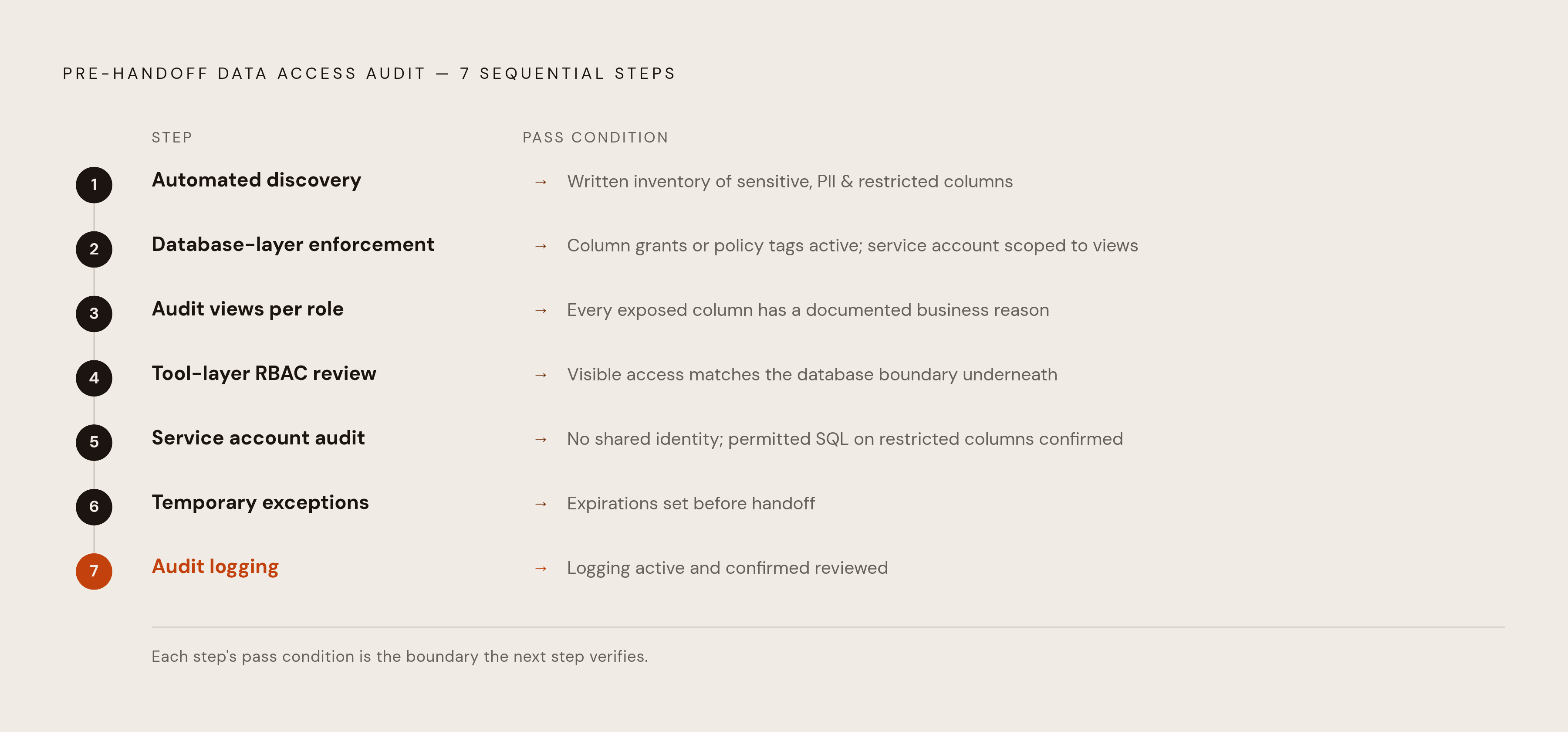
The audit turns the preceding controls into a repeatable gate before handoff and before any later expansion of access. Each check needs an observable outcome. The order matters because each step depends on a boundary established by the previous ones.
First, run automated discovery and produce a written inventory of every sensitive, PII, or restricted column. This check passes when scans show what is in the columns, without relying on guesses based on their names. Discovery is still incomplete if any column is treated as safe before it has been scanned.
Second, check database-layer enforcement against that inventory. Column grants or policy tags must be active for every listed column, and the tool’s service account must have access only to the role-specific views.
Third, audit the views for every operational role receiving the tool. Each exposed column needs a documented business reason, and the view must be the role’s actual access point. A correct view definition does not pass if the account can simply query the raw table instead.
Fourth, review tool-layer RBAC against the database roles and views. Tool roles should offer access only to columns in their views, and roles that can see only assigned records need row-level permissions. This check passes when the tool’s visible and permitted access matches the boundary underneath it.
Fifth, audit service accounts on their own, apart from human developer accounts. Each account must have only the permissions its function requires, and AI queries must not use a shared identity that bypasses individual restrictions. For an AI interface, also check the permitted SQL uses of restricted columns and the risk of schema exposure. A correct dashboard role does not excuse an overpowered agent.
Sixth, review temporary exceptions and set expirations on any open-ended permissions before handoff. Permission creep often starts with a request that makes sense but has no end date.
Seventh, confirm that database-layer and tool-layer audit logging are active and that their output goes somewhere it will be reviewed. Logs complete the operational picture, but they do not replace prevention. Database grants, views, and tool RBAC are additive controls whose boundaries must align. The handoff is defensible when all three agree, so operations receives useful freedom inside deliberate limits rather than a full schema with a polite request to be careful.