Organizing and Sharing SQL Queries Across a Data Team
A practical guide to organizing queries so teams stop duplicating work.
Picture the moment: an analyst spends an hour building a query, only to find out later that a colleague wrote the exact same thing three months ago. It's sitting on that colleague's laptop right now, untouched, unshared, and completely unknown to anyone else on the team. That hour wasn't wasted because the analyst was careless. It was wasted because the system gave them no other option.
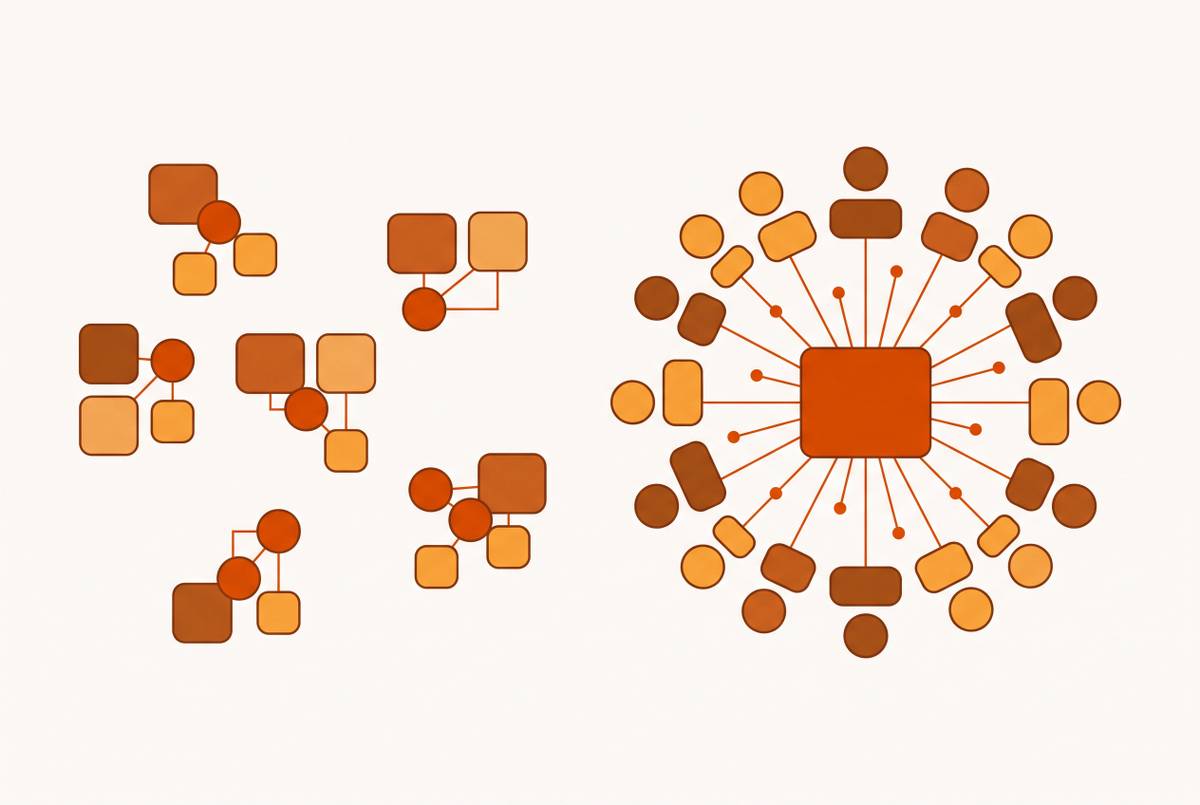
This is SQL entropy, and it's the normal condition for most data teams, not a rare breakdown. Queries live as private files on individual laptops. None of this happens because people don't care about good practices. It happens because the structure of most teams makes scattering the default and sharing the extra-credit assignment.
The root cause is structural. A naming mismatch that takes five minutes to fix in month one can take a full day to unwind in year two, once a dozen downstream queries have been built on top of the inconsistency.
The behavior is self-reinforcing, too. Nobody weighs the long-term cost of that choice in the moment. They just finish the task and move on, and the query disappears into a folder that only one person will ever open again.
These consequences appear throughout the team once you start looking. A deeper knowledge-loss risk compounds both: when queries exist only as private files, emailed attachments, or chat messages, nobody can tell which version is current, who touched it last, or whether it was ever tested against production data. And every time someone leaves the team or rotates onto a new project, whatever lived only in their head or their laptop walks out the door with them.
What makes SQL sharing hard
Wanting to share SQL and actually doing it are two different problems, separated by a handful of very specific obstacles.
Start with the tools themselves. Most SQL clients simply don't have a native save-and-share feature built for teams. The feature exists. But exporting a query and committing it to Git takes enough extra steps that most analysts quietly skip it, favoring whatever is fastest in the moment: a local save, a copy-paste into a chat window.
Then there's drift in naming and formatting. Without an agreed convention, the same business concept gets written a dozen different ways across a team. None of these choices are wrong on their own. Together, they make shared queries harder to read, harder to trust, and harder to reuse, because every new reader has to first decode the author's personal shorthand before they can even evaluate the logic.
Handoffs are another weak point. On a colocated team, handoffs happen almost by accident, through a hallway conversation or someone glancing over a shoulder. On a distributed team, nothing happens by accident. If a handoff process isn't made explicit, queries get abandoned mid-revision with no record of what state they were left in or what still needed to be fixed.
And permissions sprawl right alongside the queries themselves. The data warehouse has its own access model. The BI tool has another. Each SQL client might have its own login and connection setup on top of that. Managing all of these separately works fine for a five-person team. It becomes unsustainable the moment the team doubles, because nobody can say with confidence who can see what, let alone who should be allowed to share it further.
Shared standards come before shared tools
No piece of software fixes SQL entropy if the team hasn't first agreed on how queries get written, named, and structured. Conventions are the foundation. Without them, a shiny new tool just gives the team a faster way to produce the same mess.
Column names should follow a consistent pattern, such as snake_case: order_date, customer_id, rather than a private abbreviation like cid that only makes sense to the person who wrote it. File names deserve the same treatment: prefixing with a date or category, something like 2025_sales_by_region.sql, means anyone scanning a folder can tell what a file does without opening it.
-- Purpose: Monthly revenue by region, excludes refunds
-- Owner: Sales Analytics
-- Last reviewed: 2025-01
That header costs ten seconds to write and saves whoever finds it later from guessing. Inline comments matter just as much for anything complex: a tricky join, a nested subquery, a business rule baked into a WHERE clause. These are part of the standard itself, because they're what lets someone who didn't write the query actually use it with confidence.
The objection usually comes fast on smaller teams: doesn't a style guide just add overhead? Decoding bad habits is a recurring one.
Treating saved queries as a shared asset, not a personal file
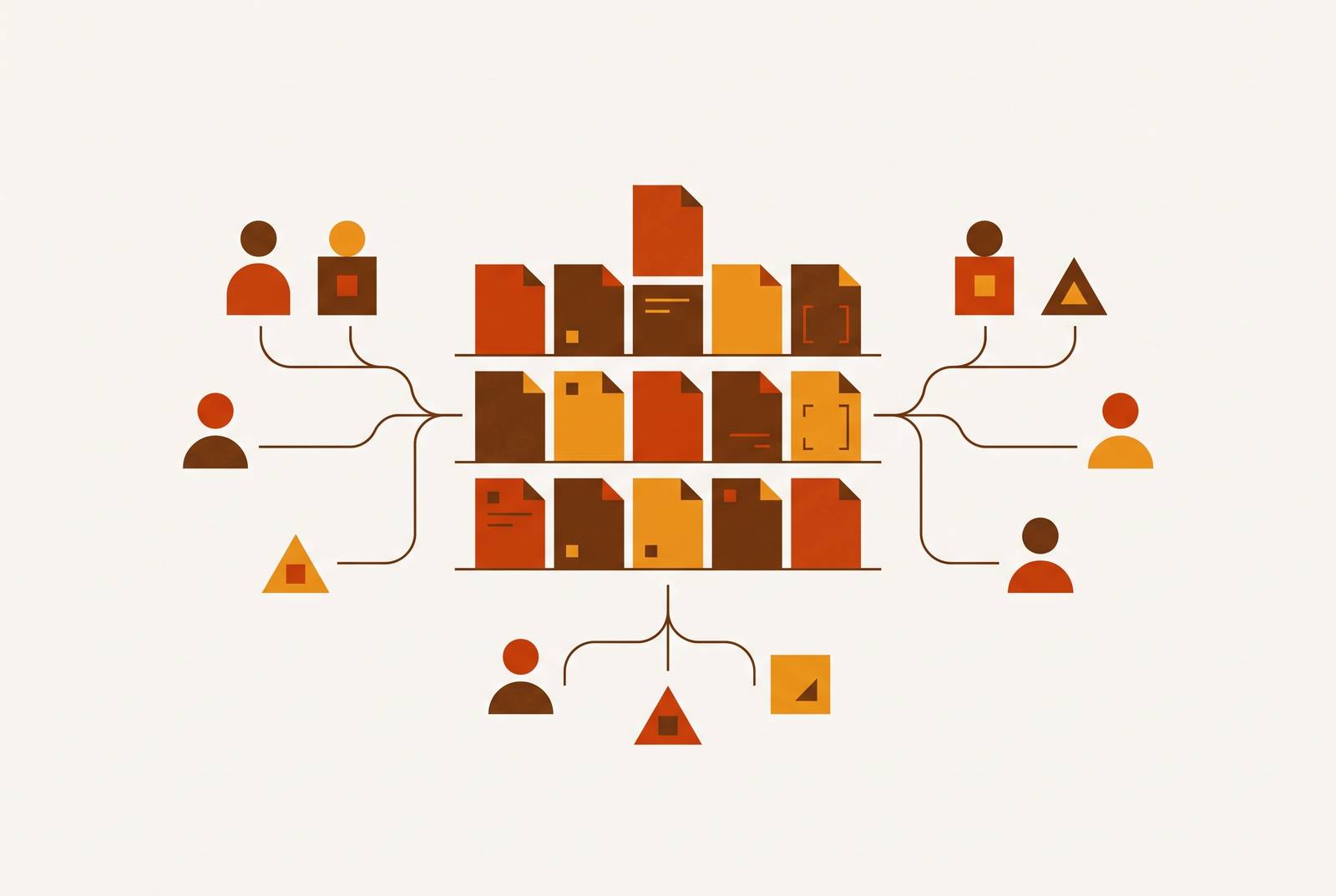
Once conventions exist, the next question is where queries actually live. A query library only becomes real institutional knowledge when it's stored centrally, organized on purpose, and treated with the same discipline a development team applies to application code.
Treating queries as shared, centrally stored assets changes the whole dynamic. Institutional knowledge gets preserved instead of locked away in whoever happens to be the most tenured analyst.
Version control is the baseline layer here. For a team already working in a code-heavy environment, Git handles this well: the SQL file becomes a first-class artifact sitting right alongside the application code it supports. Committing SQL to Git takes real effort, but it stays manageable once the naming and formatting conventions from the previous section make it obvious what to commit, where it goes, and what to call it.
Organization matters as much as storage. A sales analyst finds "Sales Reports" in two seconds. That same analyst would take much longer hunting through a folder called "orders_table queries," because that name reflects how the database is structured.
Saving a query isn't the finish line, either. A library that never gets pruned accumulates stale entries, and stale entries erode trust in the entire collection, not just the one outdated file.
For teams working inside dbt, this same discipline scales naturally into dbt models as the long-term home for mature, production-grade queries. It's the same query-as-code philosophy, just applied one layer further up the stack.
Picking SQL tooling that supports sharing rather than working around it
Conventions and a central library only work as well as the tools hosting them. The right choice is a set of tools matched to how different people actually work, tied together by shared connection settings and one central query store.
Most data teams naturally split into two groups: analysts who write SQL for most of their day and need a serious editor, and everyone else who runs a handful of queries a week and just needs something fast and simple. Forcing both groups onto the same tool tends to frustrate both of them at once.
For broad team access, DBeaver Community Edition is free and connects to more than 80 databases right out of the box, including Postgres, MySQL, Oracle, SQL Server, and SQLite. DBeaver Pro adds a visual query builder, NoSQL support, and cloud storage integration for $12 a month.
Engineering teams already living in VS Code have a lighter option in the SQLTools extension. It keeps engineers from switching context entirely: write the query, run it, see the results, all without leaving the editor that's already open. It supports Postgres, MySQL, SQLite, SQL Server, and more through driver extensions.
For database administration specifically, pgAdmin 4 runs as a web app and can be hosted on a server, so one instance serves multiple DBAs through a browser. Credentials stay centralized on that server instead of being scattered across individual laptops.
For teams that want a dedicated shared hub, Navicat On-Prem Server 3.1 functions as a private, self-hosted space where team members share connection settings, queries, snippets, aggregation pipelines, model workspaces, BI workspaces, and virtual group information. A real-time Activity Log tracks every collaborative action, which matters a great deal for teams spread across time zones who can't just shout a question across the room.
The connection configuration underneath all of them matters more than which client any one person picks: host, port, credentials stored in a vault or environment variables, standardized once and shared. Let people choose their own client on top of that foundation. A consistent connection setup kills the "works on my machine" problem without forcing everyone onto identical software.
Lightweight review processes that spread knowledge without slowing the team down
Standards and a central library drift without some form of review keeping them honest. The same peer review habit that keeps application code clean is what keeps a SQL library trustworthy instead of slowly decaying into the same mess it replaced.
The goal is lightweight review, not bureaucracy. A significant change gets looked at by at least one other team member before it's merged in. That single step catches errors the original author is usually too close to spot, and it means critical queries aren't understood by only one person on the team.
Before a query enters the shared library, a brief team check verifies it follows the agreed conventions and catches obvious logic errors. This doesn't need to be formal. A five-minute sync, a quick message, or a short screen recording works fine. Real-time feedback during review tends to save more time than catching the same issue later, after three other queries have already been built on top of the mistake.
Testing belongs in this step too. For high-stakes work, schema changes and data migrations especially, an unexamined assumption can cause real damage downstream, and distributed teams need an explicit handoff at exactly these moments rather than assuming the next person will figure it out.
Activity logs and audit trails do a version of this work automatically. A real-time Activity Log that tracks what changed, who changed it, and when functions as the async equivalent of a standup for a team that can't always meet in real time. It's the paper trail that makes later handoffs possible.
The side benefit of review is quiet but real: once two people have looked at a query, the knowledge is no longer locked in one head. That alone closes off one of the most common failure modes in a growing data team.
Access control as the system's safety layer, not an afterthought
Sharing SQL more widely across a team only works if access to the underlying data is scoped carefully alongside it. The principle of least privilege is what keeps an open, shared query library from turning into a security liability.
In a distributed setup, giving each person access only to what their role actually requires limits how much damage a mistake can do, especially during off-hours work when nobody else is watching in real time.
A workable permission model separates people by function. Data engineers get full access to development environments and read access to production. Data analysts get read access to curated analytics databases and reporting tables, with no access to raw production data or personally identifiable information unless it's been anonymized first. Non-technical users in product, sales, or support get access through a permissioned interface, dashboards and saved query results.
Standing access that never expires is the wrong default. Just-in-time access, granting elevated permissions for a specific task and revoking them once it's done, is becoming the standard way to limit that exposure without getting in the way of legitimate work.
Clear documentation of who has access to what, and why, makes the whole system easier to review and adjust as the team grows or changes shape. Without a permissioned, shared system, raw credentials get passed around informally, which is both more dangerous and far harder to audit than a properly scoped shared setup. A well-permissioned shared system is the safer choice, not the cautious one.
When the query library grows into a semantic layer
Everything described so far, the conventions, the central library, the review habits, the access controls, is the foundation of something many growing teams eventually build on top: a semantic layer. The underlying idea doesn't change. Define business logic once, and let every downstream consumer inherit it.
Metric definition drift, the same question answered differently by different queries, is the exact failure mode a semantic layer is built to close. Instead of five analysts each writing their own version of "revenue," the metric gets defined once and reused everywhere.
For teams already working in dbt, this is a natural next step. Metrics get defined centrally in the dbt project and exposed to any downstream tool through a shared API, extending the same query-as-code habits the team has already built.
Building and maintaining a semantic layer still falls to the data team, even though it serves business users. The layer serves business users, but technical people are the ones keeping it running. That's a reasonable division of labor as long as the team goes in accepting it from the start.
For teams not ready to go that far, the query library and naming conventions covered earlier already do much of the same job at a smaller scale. The jump to a full semantic layer is a matter of degree, not a different philosophy. The team that solves SQL entropy today, with shared conventions, a real library, light review, and sane access control, is the team positioned to move into governed, self-serve analytics whenever it decides the time is right.